
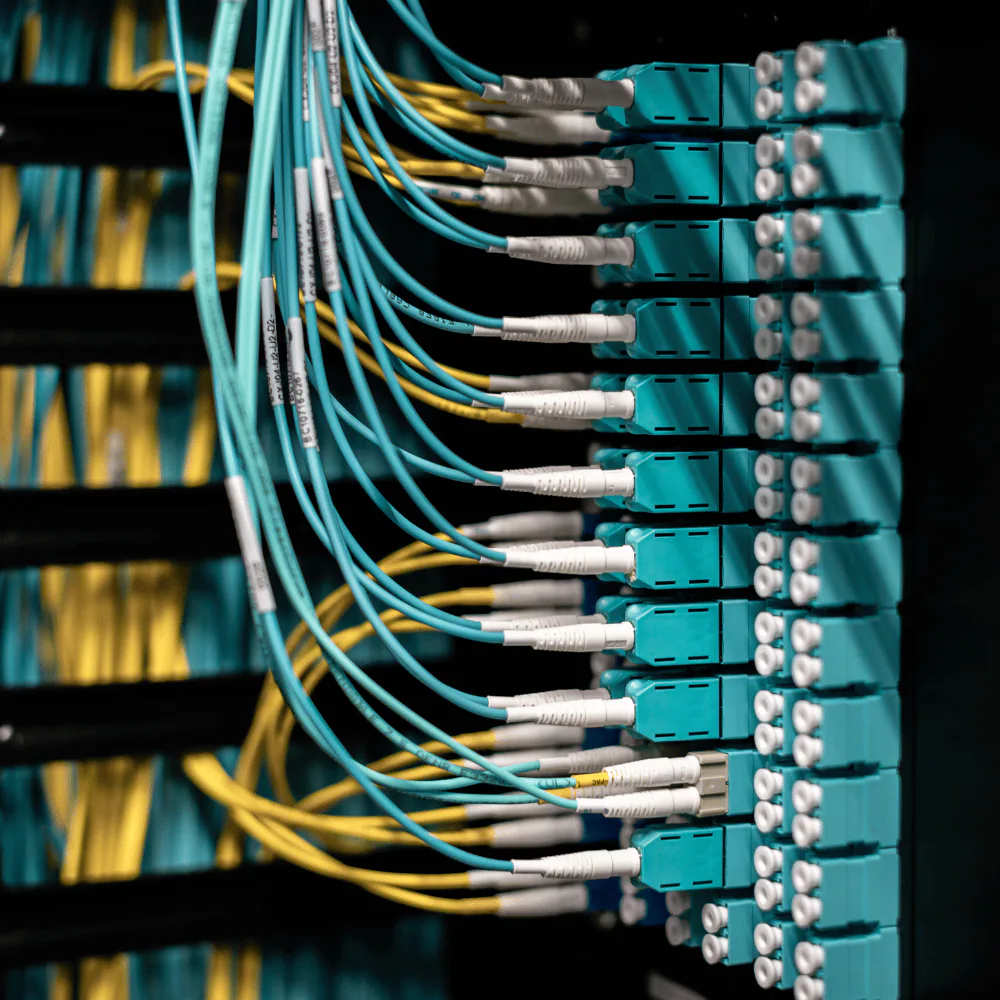
Has your infrastructure grown without a clear structure?
Computers share files in improvised ways.
Defined storage and permissions reduce duplication and make the current version easier to find.
Different copies of the same documents circulate.
A common source of information keeps work from depending on manual synchronization.
Two or more offices need to connect.
Site-to-site connectivity can share authorized services without exposing every network resource.
Critical functions depend on one computer.
Servers, virtualization, backups, and recovery plans reduce dependence on one workstation.
There is no certainty about what is backed up.
A defined strategy identifies protected data, frequency, retention, location, and restoration steps.
Remote access depends on poorly controlled tools.
Specific access mechanisms and permissions make remote work more deliberate and auditable.
Servers, cameras, telephony, and systems share one network.
Segmentation can separate traffic and reduce the impact of failures or compromised devices.
Administrative, guest, infrastructure, and special devices need separation.
The architecture defines which groups can communicate and which should remain isolated.
You need to control who accesses which resources.
Roles, policies, network boundaries, and service permissions can follow real responsibilities.
The infrastructure should host internal applications.
A planned foundation makes future platforms, databases, and services easier to operate.
Infrastructure designed around your operation
Business networks
Design and configure wired and wireless networks for users, servers, devices, and services.
Segmentation
Separate equipment and services logically to reduce unnecessary exposure and organize the infrastructure.
Branch connectivity
Connect locations securely so they can share authorized services and resources.
Servers
Implement internal services, virtualization, and platforms for business applications.
Centralized storage
Organize files and data in controlled locations with defined access.
Backups
Define copy and recovery strategies for critical information and services.
Remote access
Give authorized users access to the internal resources they need through controlled mechanisms.
Monitoring
Supervise services, storage, connectivity, and events relevant to the operation.
Conceptual example
How it works in practice
A company with two offices. Each location stores its files separately, some applications work only inside one office, collaborators email documents to keep them synchronized, and there is no clear backup strategy. An organized infrastructure turns those disconnected pieces into a coordinated system.
Centralize the important files
The information people need to share gets a defined home instead of remaining split between offices and email threads.
Separate equipment and services
Networks, servers, users, and devices are organized around their function and the access each one requires.
Connect the offices
People can reach the services they need while each location keeps the boundaries and independence it requires.
Automate recovery and monitoring
Backups, service checks, and alerts make the infrastructure easier to operate and recover when something changes.
Both offices work off the same files, with one backup covering them.
Not everything has to be in the cloud
Local infrastructure
Keep servers and storage inside the organization's facilities.
Cloud services
Use external resources when they provide availability, scalability, or administration advantages.
Hybrid architecture
Combine local services with external platforms according to the operation and data involved.
Multi-site infrastructure
Connect several locations while keeping the independence and boundaries each one needs.
Working methodology
- 01
How your company actually works
We identify users, locations, applications, devices, services, and critical dependencies.
- 02
What is already installed
We evaluate the network, equipment, storage, connectivity, and main risk points.
- 03
Design the architecture
We define segmentation, services, access, storage, backups, and connectivity.
- 04
In stages, not all at once
We configure and migrate the agreed components while minimizing operational impact.
- 05
Testing a restore
We verify connectivity, permissions, services, and the defined recovery mechanisms.
- 06
Diagrams and handoff
We deliver diagrams, configurations, and procedures corresponding to the project.
You can start by organizing one part
Initial scope
- Organize the network
- Centralize files
- Establish backups
- Connect two locations
- Implement a VPN
- Separate devices
- Set up a server
- Improve remote access
Future expansion
- More branches
- Virtualization
- Redundancy
- Monitoring
- Internal services
- Private applications
- Failure recovery
- Automation
Infrastructure connects the rest of your operation
Infrastructure + telephony
Run IP phones on a network that separates and prioritizes their traffic.
Infrastructure + cameras
Keep video surveillance segmented and communicating only with the services it needs.
Infrastructure + internal software
Host applications, databases, and services on local or hybrid infrastructure.
Infrastructure + automation
Let machines, controllers, and stations communicate with authorized systems without being exposed unnecessarily.
Infrastructure + storage
Give users and applications access to central repositories according to defined permissions.
Infrastructure + backups
Bring servers, files, and configurations into one recovery strategy.
Capabilities used
Frequently asked questions
Do I need to change all my network equipment?
No. We first review the existing hardware and which components can remain in service.
Can you connect two offices?
Yes. We design connectivity between locations with the appropriate technology for each case.
Can I access my files from outside the office?
Yes, through a secure remote-access mechanism defined as part of the project.
Do I need a physical server?
Not always. Depending on the applications, we evaluate local, virtualized, cloud, or hybrid infrastructure.
What is a VLAN and do I need one?
A VLAN logically separates groups of devices within the same physical infrastructure. It is useful when services have different trust levels, although not every organization needs the same level of segmentation.
Can cameras and IP phones coexist on the same network?
Yes. We design an architecture where each device type remains separated and accesses only the services it needs.
Is a NAS enough as a backup?
Not by itself. A NAS can be part of the strategy, but keeping the only copy in one device and one location is not recovery planning: fire, theft, or hardware failure can affect both original and copy.
Can you migrate our services without stopping operations?
We plan migrations in stages to reduce impact. Some tasks still require maintenance windows, which we agree with you in advance.
Can you manage the infrastructure after installation?
Yes. We define support, maintenance, or monitoring services afterward according to the agreed scope.
Can you work with the equipment we already have?
Yes. We evaluate compatibility, condition, and capabilities before proposing any replacement.
Puebla-based support and projects in other locations
- Geographic coverage
- Puebla and other regions
- Remote attention
- Design, configuration, and much of the service administration can be performed remotely.
- In-person attention
- Physical installations, cabling, surveys, and certain migrations require on-site work.
Projects are evaluated according to locations, connectivity, critical services, existing infrastructure, and access windows.
Tell us how your company is connected today
You do not need to arrive with a network diagram. Tell us how many people use the infrastructure, how many locations you have, where files are stored, which systems are critical, which services must be shared, how backups are performed today, and which problems appear most often. With that information, we define an appropriate architecture and prioritize the most important improvements.
Technical components
A flat network works until it does not. As cameras, telephones, servers, guests, IoT devices, machines, remote access, and internal applications accumulate, separating systems by function and trust level can control what communicates with what and reduce the impact of a failure or compromised device.
A backup only matters if it can be restored. We define what must be protected, frequency, retained versions, storage locations, access, service downtime tolerance, and the actual restoration procedure. Local copies, another device, another location, external storage, snapshots, retention policies, and restoration tests may form part of the strategy.
Remote access without exposing the whole network: VPN, additional authentication, user restrictions, access limited to selected services, connection logs, privilege separation, and infrastructure administration are evaluated. Internal services are not published directly to the internet without an architecture that justifies and protects that exposure.
Availability and continuity: depending on the cost of interruption, we evaluate alternative internet links, backup power, storage redundancy, service replicas, multiple servers, failover, configuration backups, and documented recovery procedures. Redundancy should be proportional to the actual operational impact.
Network: switching · routing · VLAN · subnetting · Wi-Fi and access points · site-to-site links · dual WAN · failover.
Security and access: firewalls · ACL · VPN (WireGuard, IPsec) · access control · TLS certificates · connection logs.
Servers: Linux and Windows Server · virtualization and hypervisors · virtual machines · containers · reverse proxy · DNS · databases · internal services.
Storage and backup: NAS and network storage · RAID · ZFS · snapshots · replication · retention policies · recovery procedures. Operation: monitoring · logging · high availability · network documentation · configuration backups.
Related projects: we publish only implementations that can be documented and shown. When a related case is available, it will present the initial infrastructure, problems to solve, implemented architecture, migrated services, backup and access design, and documented results. Conceptual architectures will be identified explicitly.
The specific architecture is defined according to users, locations, services, criticality, connectivity, existing infrastructure, security requirements, and fault tolerance.